Digital vs Paper Spray Records: Benefits of Modern Record Keeping
An evidence-based guide to choosing a spray-record format and migrating without losing reliability, access or record integrity.
Quick comparison
Digital or paper?
Digital is usually stronger for entry, retrieval, reporting and shared access. Structured prompts can improve consistency, but neither format guarantees accurate or compliant records. Paper remains a useful fallback where devices, power or connectivity are unreliable.
Interactive decision matrix
Find a sensible starting format
Choose the statement closest to your operation. The tool ranks practical fit, not legality, and explains which answers drove the result.
Suggested starting point
Hybrid
Keep one controlled digital record, plus a blank paper form for field interruptions and a defined process for entering and checking fallback notes.
How it works: most answers give two fit points to their named format and one point to hybrid. Annual volume gives digital four points at 21–100 applications and eight at 101+, reflecting the growing value of repeatable entry and retrieval. A variable-connectivity answer gives hybrid one extra point. A tied digital result wins only when field access is not marked unreliable; otherwise the tool keeps a hybrid fallback. Scores are prompts, not measured performance.
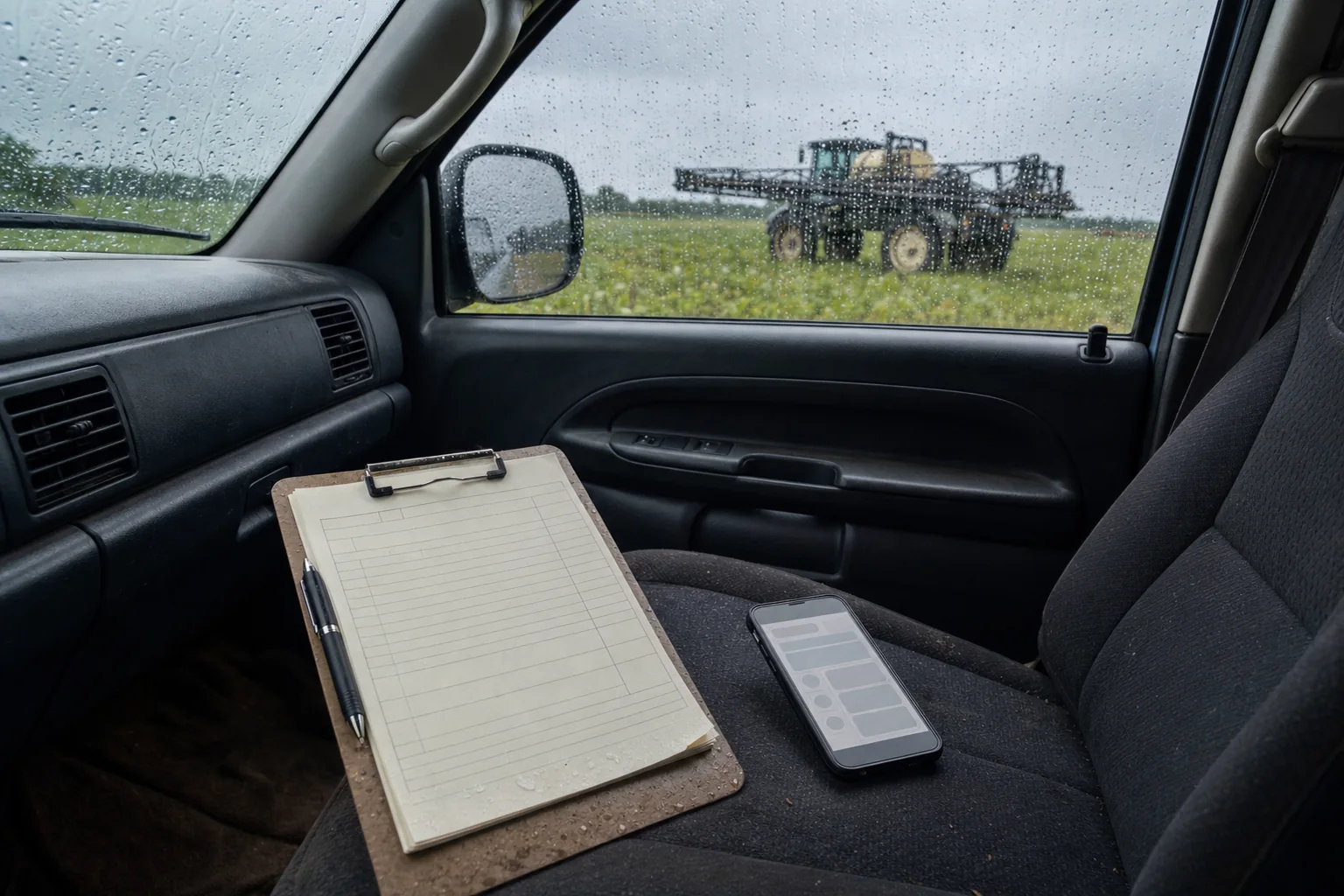
There is no universally superior record format. The right choice depends on where records are created, who needs them, how often they are retrieved, the applicable rules and what happens when a device, connection or filing system fails.
This guide compares the record workflow rather than the marketing claims. For the fields and retention periods that may apply, first read best practices for chemical application record keeping. A well-designed system can support good records; it cannot decide what a law, label, permit or contract requires.
Digital vs paper spray records at a glance
| Decision point | Paper | Digital | Control to plan |
|---|---|---|---|
| Field entry | Immediate with a form and pen; vulnerable to weather, handwriting and skipped fields. | Structured prompts, reusable data and clear text; depends on a charged, usable device. | Test the form in real field conditions and keep the required-field list current. |
| Connectivity | No network needed. | Capabilities vary: some entry may work locally while lookup, sync, maps, weather, images or reports need a network. | Test each critical action offline; do not rely on a general “offline capable” claim. |
| Corrections | Can preserve the original with a single strike-through, initials, date and reason. | Can be clearer if the system preserves versions or an amendment history; silent overwriting is a weakness. | Define who may amend a completed record and retain the old value, new value, person, time and reason. |
| Completeness | A well-designed form can cue every field, but cannot stop an operator leaving one blank. | Validation can prompt for configured fields, but software may not contain every local requirement. | Map applicable requirements to both the entry screen and exported record. |
| Retrieval | Fast for a small, well-indexed file; slower when records span operators, sites or years. | Search and filters can narrow large sets quickly if naming and data entry are consistent. | Run a timed retrieval drill using an old, representative record. |
| Backup | A second copy must be made and stored separately; one binder is one point of failure. | Copies can be automated, but cloud storage or sync is not by itself a complete backup plan. | Know what is copied, where, how often and whether a restore actually works. |
| Sharing | Hand-over, scan or copy; simple but creates duplicate versions. | Exports and controlled access can help teams and clients; permissions and recipient handling matter. | Name the authoritative record and limit access to the people who need it. |
| Reporting | Totals and client packs normally require manual assembly or transcription. | Structured exports can reduce re-entry, but available fields and formats are product-specific. | Inspect a real export before adoption; never assume the screen and report contain the same fields. |
| Long-term retention | Readable without software but exposed to fire, water, pests, fading and misfiling. | No physical deterioration, but accounts, subscriptions, file formats and vendors can change. | Use durable exports, documented naming and a migration or exit process. |
| Signatures | Supports a handwritten signature where one is required. | A typed name, login, drawn signature and regulated electronic signature are not automatically equivalent. | Confirm the specific attestation and signature rule before replacing a signed form. |
| Audit preparation | Can be reliable when files are complete, chronological and indexed. | Can make selection and copying faster, but only if records remain accessible and intelligible. | Rehearse the request: locate, open, explain and provide the record without changing it. |
| Privacy and security | Physical access can be obvious, but copies are difficult to trace and cabinets can be lost or stolen. | Access can be logged and restricted, while weak passwords, excess privileges or compromised accounts can expose many records at once. | Use individual accounts, appropriate roles, strong authentication, updates and a departure process. |
| Training | Requires form, filing and correction discipline. | Adds device, account, synchronisation, export and recovery skills. | Train on exceptions and failures, not only the normal entry path. |
| Cost | Forms, printing, storage, copying, retrieval labour and loss protection. | Devices, subscription, connectivity, setup, training, administration, support and export or exit work. | Compare the total workflow with measured local time—do not use generic ROI percentages. |
Hybrid does not mean keeping two uncontrolled “originals”. A resilient hybrid system names one authoritative record and treats the other medium as a controlled field fallback or reference copy. It also defines who transfers fallback notes, by when, and how another person verifies the transfer.
Does the law accept digital spray records?
Sometimes the official rule expressly permits electronic records; sometimes it specifies required information and access without naming a medium. Acceptance can also differ by pesticide class, user type, sector and subnational jurisdiction. “Digital records are legal” is therefore too broad to be useful.
| Jurisdiction | What the official source supports | What to verify locally |
|---|---|---|
| USA 🇺🇸 | USDA says no standard federal form is required, so certified private applicators can integrate restricted-use pesticide records into their current system. Those federal records are generally completed within 14 days, retained for two years and made accessible to specified authorities and health professionals. | State, tribal, commercial-applicator, Worker Protection Standard, permit, label and sector rules can add duties. The federal flexibility is not blanket approval for every US record. |
| Australia 🇦🇺 | NSW EPA says no special recording form is required and any suitable format is acceptable if it contains the required information. Covered records are generally made within 48 hours and retained for three years. | Extra records apply to some licensed and aerial activities; labels and APVMA permits can add conditions. |
| Australia 🇦🇺 | WA’s agriculture department expressly says covered records can be written or electronic and must be available to an inspector. Its ordinary commercial-use guidance states a seven-day creation deadline and two-year retention. | Aerial and other regimes can use different deadlines and retention periods. |
| UK 🇬🇧 | HSE says professional users must keep plant-protection-product application records for at least three years. The reviewed HSE application guidance does not turn that statement into a universal rule about electronic format or signature method. | Confirm the activity, UK nation, assurance scheme, contractual copy and any signed-document requirement. |
| Canada 🇨🇦 | Ontario’s pesticide regulation illustrates that record content, retention and production duties are provincial and activity-specific. Canada does not have one application-record format rule that can safely represent every province and territory. | Check provincial or territorial law, licence conditions, the product label and the exact application sector. |
| New Zealand 🇳🇿 | EPA guidance requires a written record for specified workplace agrichemical uses and specifically requires electronic location and secondary positional files for certain aerial applications. | “Written” should not be assumed to settle every electronic-format question. Check the substance approval, hazardous-property controls and activity. |
| EU 🇪🇺 | Commission Implementing Regulation (EU) 2023/564 applies from 1 January 2026 and provides for machine-readable electronic plant-protection-product use records. The consolidated text allows Member States transitional flexibility, including for uses before 1 January 2027. | Check the Member State’s implementation, transfer timing, identifiers, additional fields and current transition arrangements. |
Corrections and audit trails: preserve the story of the record
A correction should improve accuracy without disguising what changed. Paper can do this well: keep the original legible, enter the correction, and record who changed it, when and why. Digital systems should provide the same context through an amendment history, versioning or another controlled method.
The US National Archives’ guidance on trustworthy electronic records is written for federal agencies, not spray operators, but its principles are useful: reliable records preserve content and context; authorised additions should be identifiable; and records must remain locatable, retrievable and interpretable. The Australian National Archives likewise treats provenance, integrity, audit trails and ongoing access as core digital-preservation controls.
Before adopting a system, make a completed test record and then correct one value. Ask:
- Can an ordinary user see that the record was amended?
- Are the original value, corrected value, user, time and reason retained?
- Does the export show the correction context needed by the recipient?
- Can permissions stop an unauthorised user changing or deleting completed records?
- What happens after an employee leaves or an account is closed?
If a specific rule requires a signature, certification or supervisor approval, test that requirement separately. A login or typed name may identify a user operationally without satisfying a prescribed electronic-signature standard.
Backup, access and security are operating processes
Paper and digital systems fail differently. A paper binder can be destroyed in one incident. A digital account can make many records unavailable at once through accidental deletion, service interruption, compromised credentials or an expired account. Neither deserves the word “safe” until recovery has been tested.
NIST’s data-loss guidance recommends that backups be conducted, maintained and tested. For a spray-record workflow, that means choosing how much work you could recreate, exporting at a matching interval, storing a protected copy separately, and periodically restoring a sample. Also decide who can view, edit, export and administer records. NIST’s small-business information-security guide covers access control, authentication, staff training and contingency planning; use those controls to limit access to business need, remove departed users promptly and protect both primary records and backups.
Privacy is part of the selection decision, not an afterthought. Spray records may contain operator contact details, client information, exact locations, licence numbers and images. Ask a provider where data is stored, who can access it, how it can be exported, what happens on cancellation, how incidents are handled and whether subcontractors or analytics use the data.
Independent agricultural research supports treating these as real adoption constraints, not edge cases. A systematic review of 38 farm-management-information-system studies identified obstacles including cost, usability and lack of standardised data. A survey of 1,021 Wisconsin producers found privacy and security, compatibility, and understanding how to use and gain value from data among the major reported barriers. These studies cover broader farm technology, not spray-record apps, so they do not establish a time saving or return on investment.
Calculate the real cost without invented ROI
Published vendor percentages cannot tell you what your operation will save. Measure the current and proposed workflow using the same representative jobs, and include exception handling—not just the quickest successful entry.
| Cost group | Paper inputs | Digital inputs | How to measure |
|---|---|---|---|
| Entry | Writing, later clarification and transcription. | Entry, synchronisation checks and correction handling. | Time a representative mix of simple and complex jobs. |
| Setup | Design, print and distribute controlled forms. | Configure users, locations, equipment, products, templates and permissions. | Record actual staff hours, including testing and sign-off. |
| Tools | Paper, printer, folders, cabinet and scanner. | Devices, cases, charging, connectivity, subscription and support. | Use current quotes and allocate shared equipment realistically. |
| Retrieval and reporting | Indexing, searching, copying and compiling. | Searching, reviewing, exporting and checking recipient-ready files. | Run the same old-record and multi-record requests in both systems. |
| Continuity | Off-site copies, protected storage and disaster recovery. | Backup export, protected storage, restore tests and vendor-exit work. | Cost the control needed to meet the actual retention period. |
| People | Form, filing and correction training. | Device, account, security, offline, export and recovery training. | Include refresher training, new starters and administrator time. |
After a pilot, compare total minutes per job, missing or ambiguous fields found during review, time to answer a retrieval request, failed or duplicated records, and support time. Report the sample, dates and workflow. Do not extrapolate one operator’s best week into a universal percentage.
Paper-to-digital migration checklist
- Identify the authorities. List every law, label, permit, licence, contract and assurance rule that applies to each application type.
- Map the fields. Match each requirement to the entry screen and the final export. Mark gaps for another controlled process.
- Name the authoritative record. Decide which system is the source of truth and how reference copies are labelled.
- Test field conditions. Try entry with realistic gloves, glare, rain protection, power and connectivity constraints.
- Set access rules. Give each user appropriate access; define administrator duties, account recovery and staff departures.
- Test a correction. Verify that the original, corrected value, person, time and reason remain available.
- Test a complete export. Include a complex job with multiple products, weather, equipment and attachments where relevant.
- Back up and restore. Set an export schedule based on acceptable data loss, protect a separate copy and restore a sample.
- Define the fallback. Keep a blank paper form and say who enters it digitally, who checks it and the deadline.
- Pilot and reconcile. Use representative jobs, review discrepancies and obtain operator sign-off before broad rollout.
- Retain legacy records. Keep original paper for the applicable period unless authoritative advice confirms lawful disposal after digitisation.
- Review change. Recheck the workflow when laws, labels, staff, software, exports or contracts change.
Keep spray records organised with Spraybook
Spraybook brings the everyday record-keeping workflow into one structured iOS and Android app:
- Create and duplicate structured spray records for jobs, locations, operators, products and equipment.
- Record application settings, staged weather observations, notes and up to five photos.
- Search and filter completed records instead of working through folders or handwritten forms.
- Export CSV files and eligible PDF templates for portable copies and reporting.
- Review completed cloud records through the web portal and generate eligible Standard PDF reports.
Connected features—including automatic weather, registry lookup, maps, photo uploads and web review—require network access. Spraybook organises the information entered; it does not interpret labels, determine legality or guarantee that every local requirement is present.
For the spatial part of a record, read how to document spray application locations. For weather fields and measurement limitations, use the guide to weather conditions for spraying.
Published · Updated